
Content Manager
6 releases
6 releases found
 Early Adopter
Content Manager Permissions and Constraints Support
Content Manager now supports permission constraints, aligning data visibility and actions with each administrator's assigned scope. The Content Manager View permission supports constraints migrated from Course Catalog View, while create and edit actions are governed by learning object type-specific permissions and their constraints. Constraints are now respected across pickers, provider lists, custom emails, on-the-job training observers, and related pages.
 Early Adopter
Manage ILT and VILT Events and Sessions in Content Manager
Administrators can now manage the full ILT and VILT event and session lifecycle directly from Content Manager. Users with the appropriate permissions can search, create, edit, and configure events and sessions, including virtual sessions through supported VILT provider integrations. Sessions support individual and recurring agenda items, with conflict validation and bulk editing options.
 General Availability
Content Manager Landing Page Enhancements
The Content Manager landing page receives a set of usability and visual enhancements. Single architecture customers gain status filters and an Archived tag, while labels, tab styling, the create action, and breadcrumbs have been refined. These changes make it easier for administrators to find content, create trainings, and understand where they are in Content Manager.
 General Availability
Content Manager: Modify Content and Download Course Package for Online Courses
Content Manager adds two capabilities for online courses: Modify Content and Download Course Package. Administrators can update an existing course file directly in Content Manager with progress tracking, resume, and modification history, and generate a downloadable SCORM or AICC package. These enhancements reduce page hopping and give administrators greater transparency and control over course files.
 Early Adopter
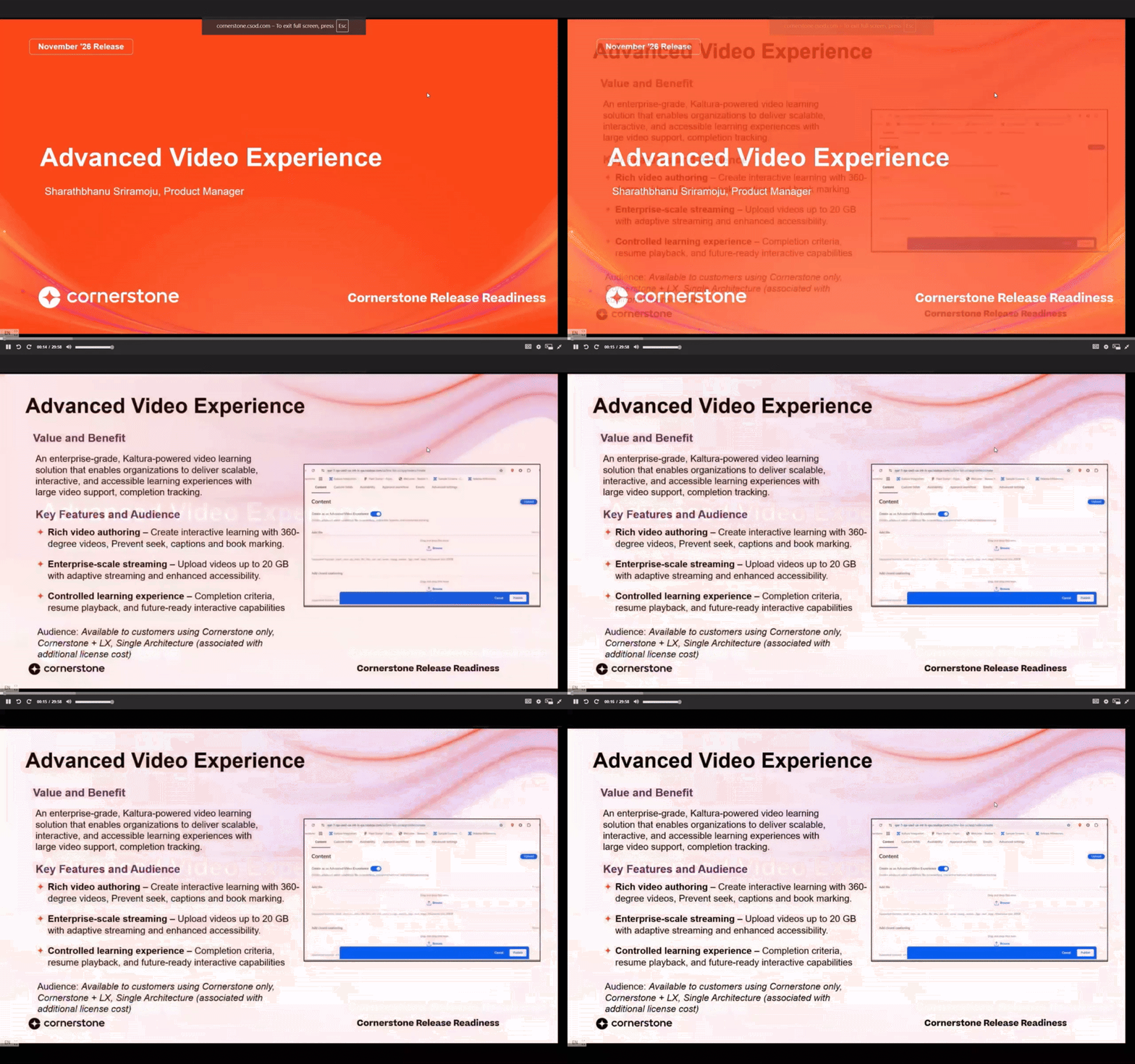
Advanced Video Experience: Enterprise-Scale Interactive Video Learning
Advanced Video Experience extends the Cornerstone video learning object with enterprise-scale, interactive video capabilities. Administrators can upload videos up to 20 GB, enable 360-degree playback and seek prevention, and define custom completion criteria, while learners benefit from bookmarking and resume playback. The feature is a licensed add-on activated through a work order.

Content Manager Usability Enhancements: Single-Tab Navigation, Owners, and More
Content Manager receives a set of enhancements based on customer feedback and identified gaps. Actions such as creating, editing, and assigning learning objects now open in a single tab, and rich text, character counting, special characters, timestamps, and provider selection have been improved. Versioning now copies key attributes to the new version, and owners are supported for all learning object types.