
Loading…
Search every release note by keyword, narrow by category, module, or release stage.
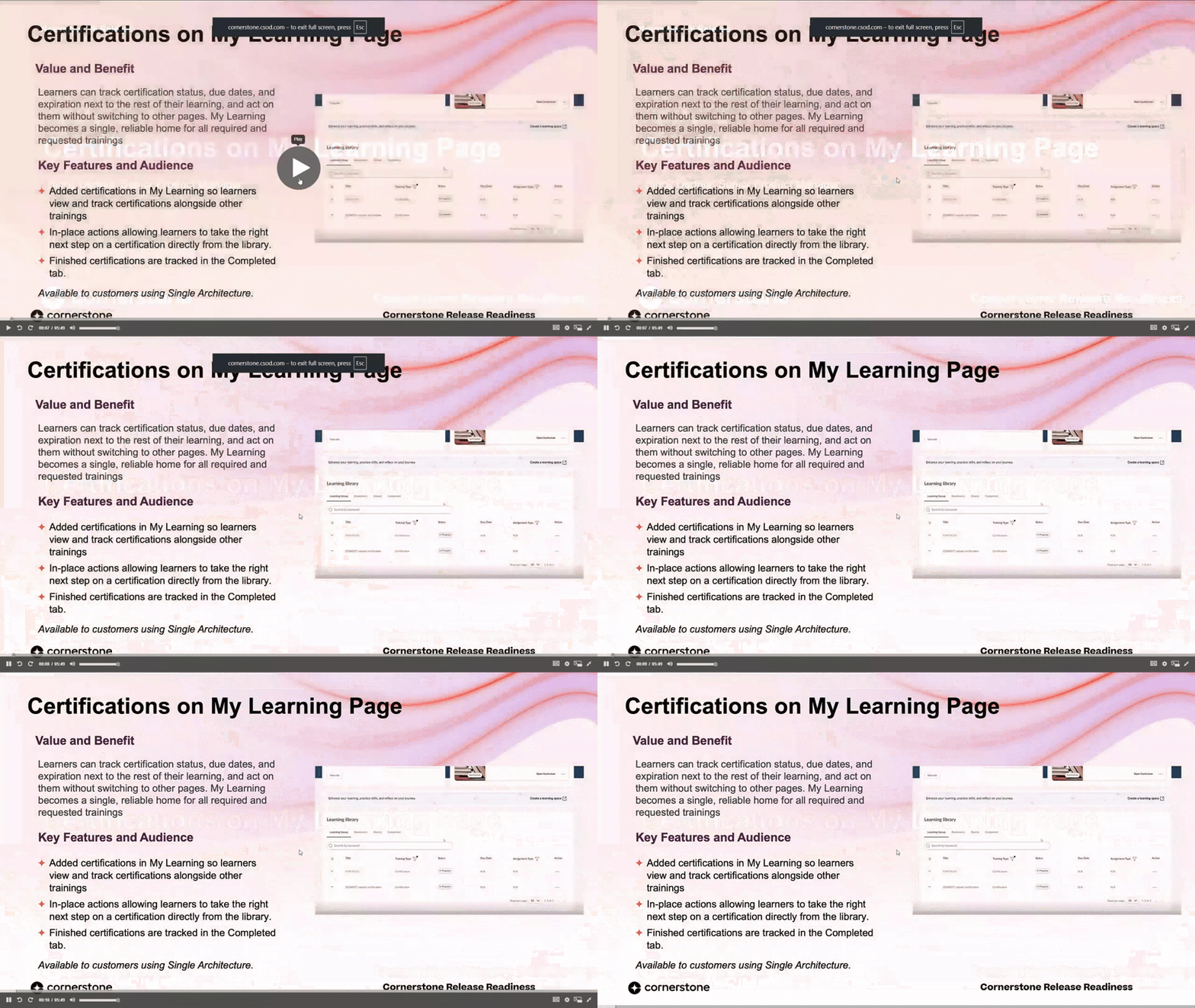
Certifications now appear on the My Learning page in single architecture, alongside other training. Learners can view and track self-requested and assigned certifications with their status, due dates, and expiration dates, and take status-based actions without going to the transcript. Completed certifications appear in the Completed tab with their completion date.
Administrators can now restrict self-registration by email domain and IP address for each self-registration form. Each form can allow all, allow only specified entries, or block specified entries, configured in the modernized Manage Self-Registration Groups interface. Registrants who are blocked receive a clear error message.
The new shopping cart delivers a smarter, more transparent purchasing experience for extended enterprise customers. The cart now shows richer learning object details, supports individual, team, and organization subscriptions with clear tags, warns about duplicate training, and links directly to item details. Required training forms appear on the order confirmation page, and guest users' cart items are retained.
 General Availability
The Subscriptions 2.0 experience adds organizational (OU-level) subscription plans with flexible pricing and seat management, alongside existing individual and team plans. Administrators can configure free trials and grace periods, enable guest users to discover and self-register for subscriptions, and offer recurring billing through supported payment integrations. These enhancements are available to extended enterprise customers using the new shopping cart.
 Early Adopter
Learners can now take supported assessments directly in the Cornerstone mobile app without switching to a browser or desktop. They can launch an assessment, answer questions, track progress, manage timed tests, submit, and view results immediately. The feature is available as an open beta for single architecture customers starting November 16, 2026.
 Early Adopter
Communities are now available in the Cornerstone mobile app, extending social and collaborative learning to learners on the go. Learners can browse and join communities, take part in discussions, react to posts, answer polls and quizzes, and access shared learning content. They can also track their progress through cohorts, the structured, time-bound group learning programs within communities.
 Early Adopter
The AI Course Assistant brings AI-powered help directly into the learning experience in the Cornerstone mobile app. Learners can ask questions by text or voice, get course summaries, and generate practice questions, with responses grounded in the course content. The feature is available from November 16, 2026, for AI-eligible video, material, and SCORM content.
Employees can now use the AI Goal Assistant in the Cornerstone mobile app to create, improve, and align goals from their phone. The assistant generates structured goals with a title, description, target, and timeline based on the employee's role or a description of what they want to achieve. Employees review and edit every suggestion before saving, keeping them in control.
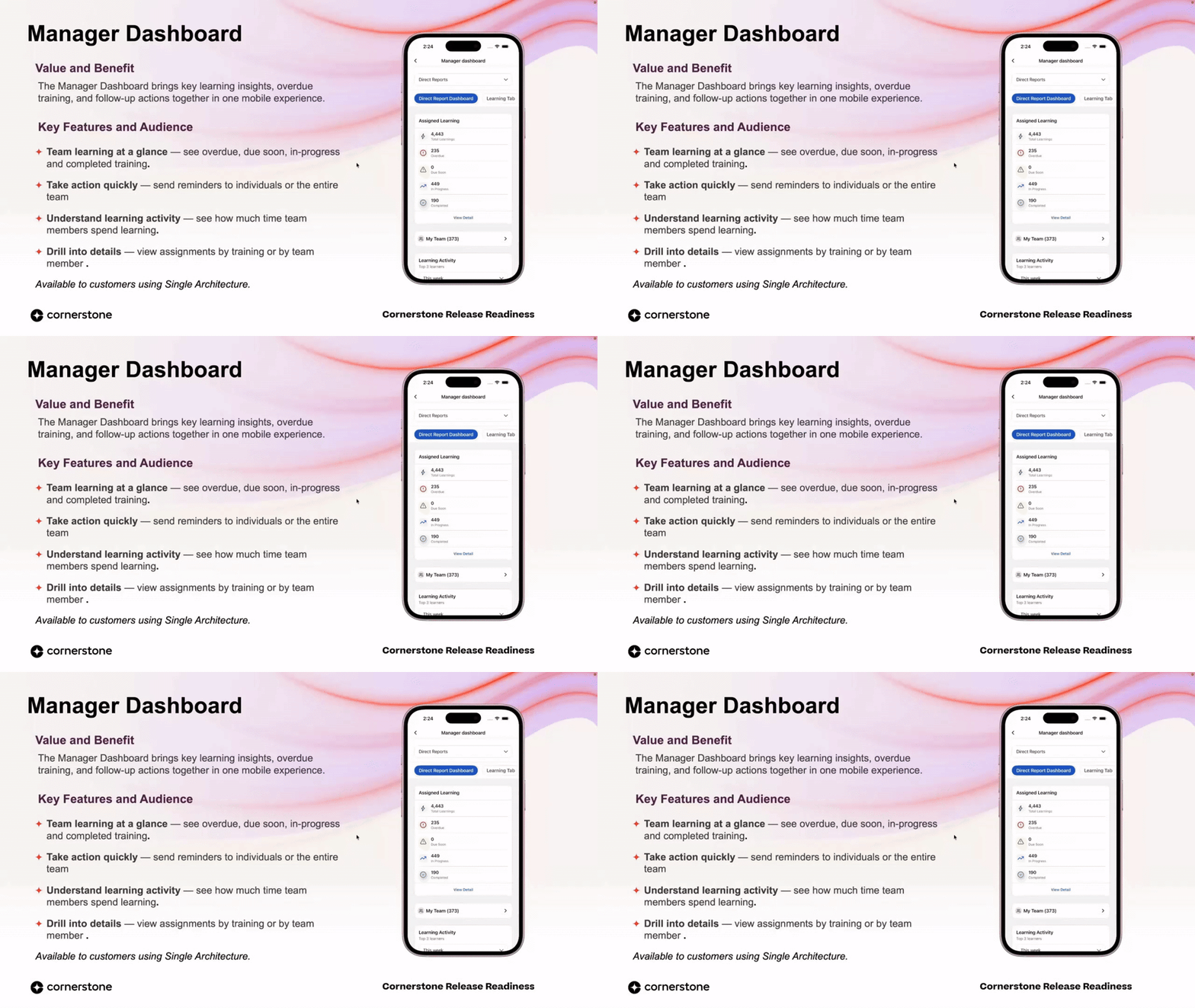
Managers can now access the Manager Dashboard from the Cornerstone mobile app to monitor their team's learning and take action on the go. The dashboard shows assigned, overdue, due soon, in-progress, and completed learning, along with team learning activity. Managers can drill into details by training or team member and send reminders directly from their phone.
The Cornerstone mobile app introduces a unified learning details page that gives learners a consistent experience across different learning types. Learners can view key information, engage socially, rate and review content, and take available actions from one place. The feature is available as an open beta for single architecture customers starting November 16, 2026.
 Early Adopter
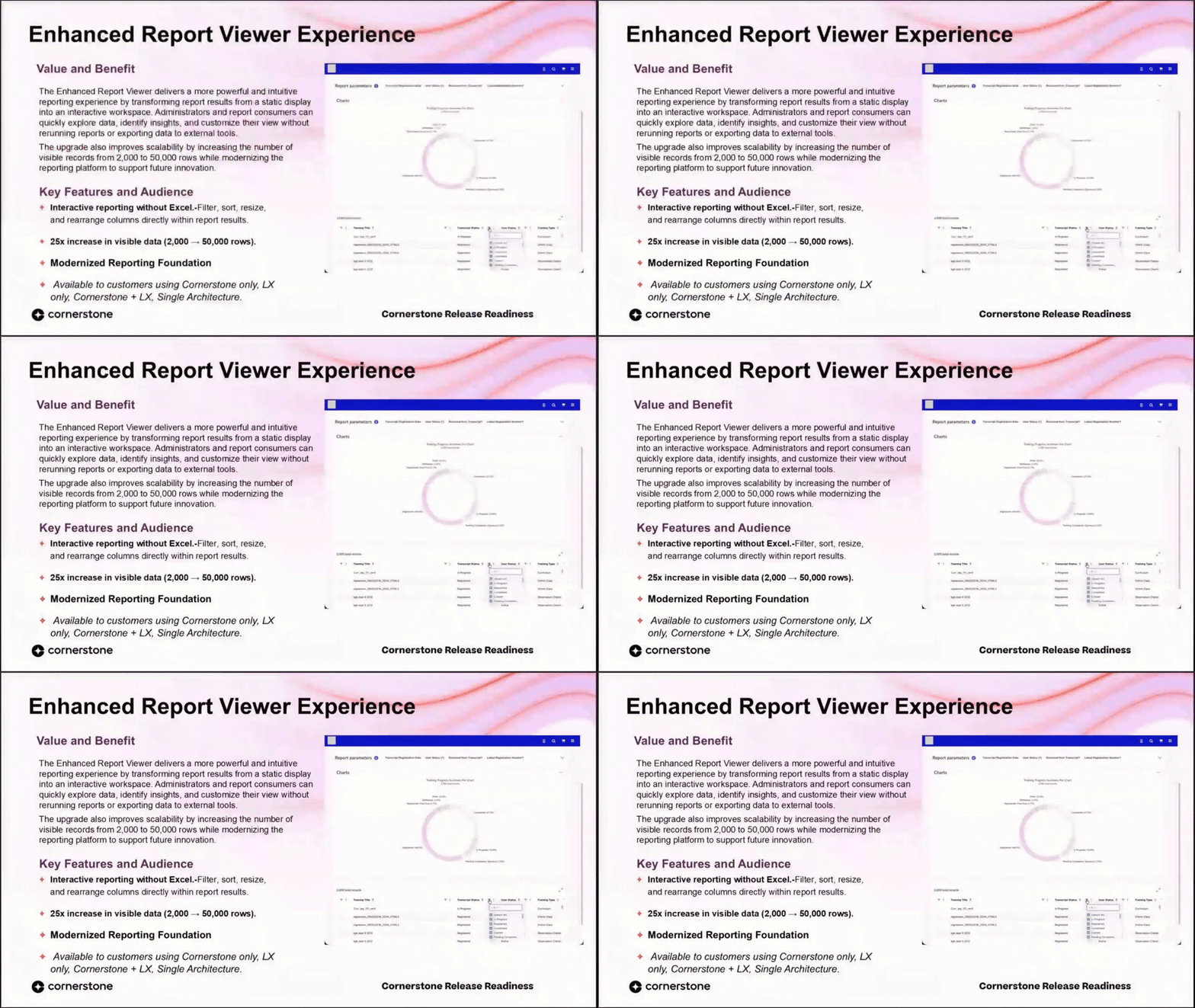
The Enhanced Report Viewer turns Reporting 2.0 results into an interactive workspace where users can filter, sort, resize, and rearrange columns without rerunning reports or exporting to Excel. The viewable row limit increases from 2,000 to 50,000 rows. The feature is available as an Early Adopter experience in the November 2026 release, with general availability planned for March 2027.
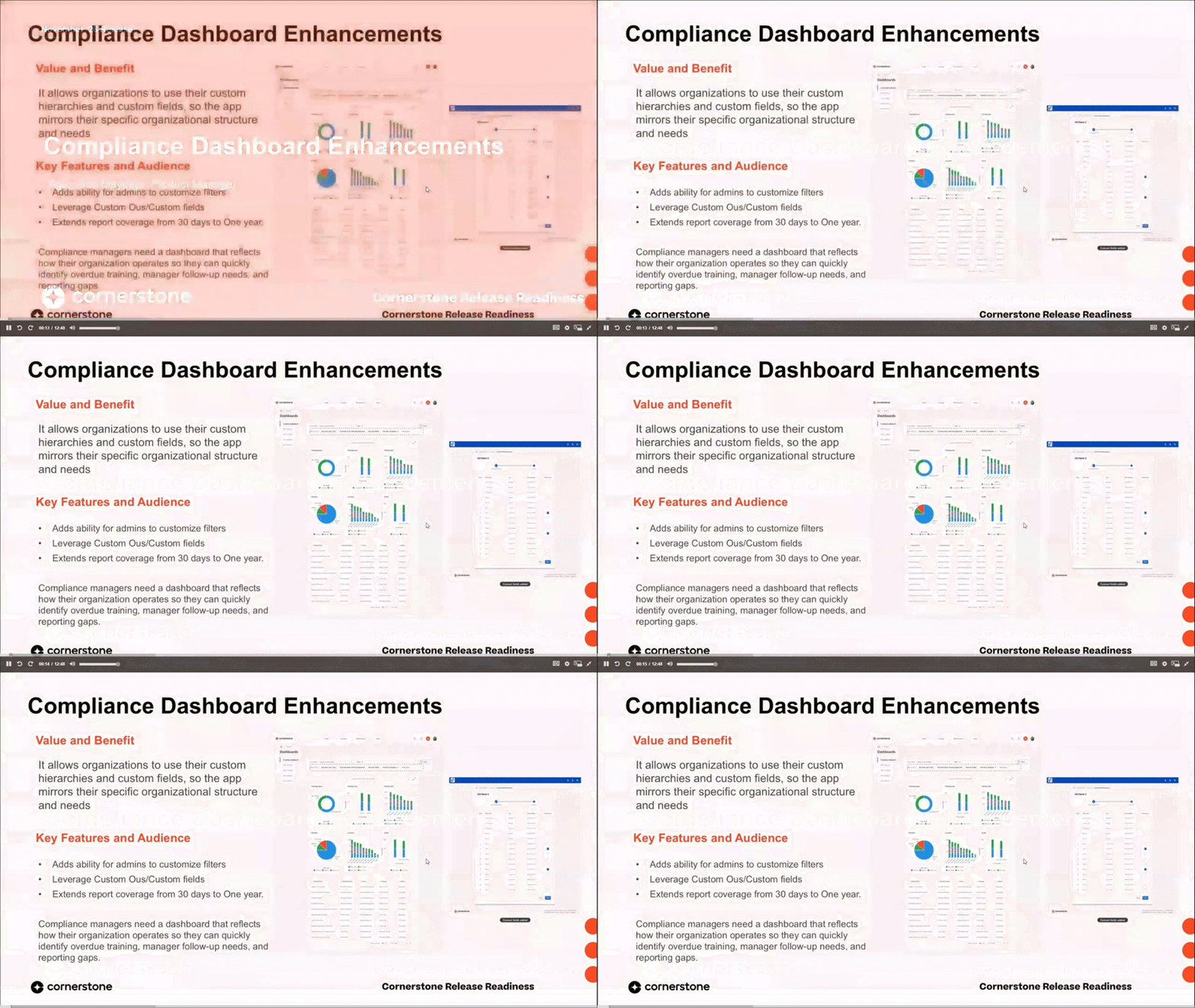
The Compliance Dashboard now reflects each organization's structure through configurable filters based on custom OUs, user custom fields, and transcript custom fields. Administrators can add up to 15 filters and configure them by division, and widgets and the grid can use custom OUs and fields. Report coverage expands from 30 days to up to one year.
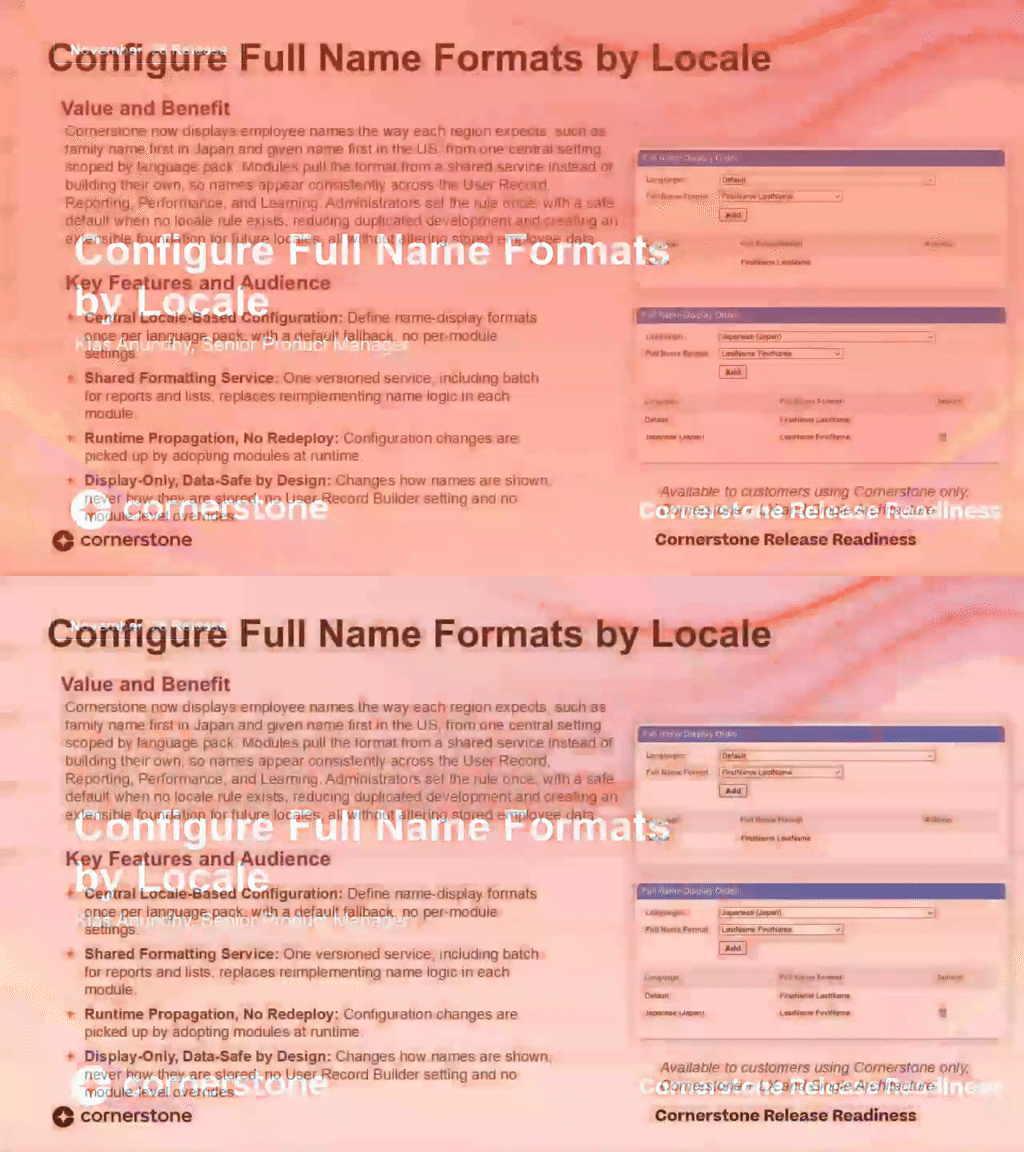
Administrators can now define how a user's full name is displayed per language pack from one central setting. Adopting modules retrieve the formatted name from a shared service at runtime, so names appear in the order each region expects, such as last name first for Japanese. This release establishes the foundation, and coverage will expand as more modules adopt the service.
 Early Adopter
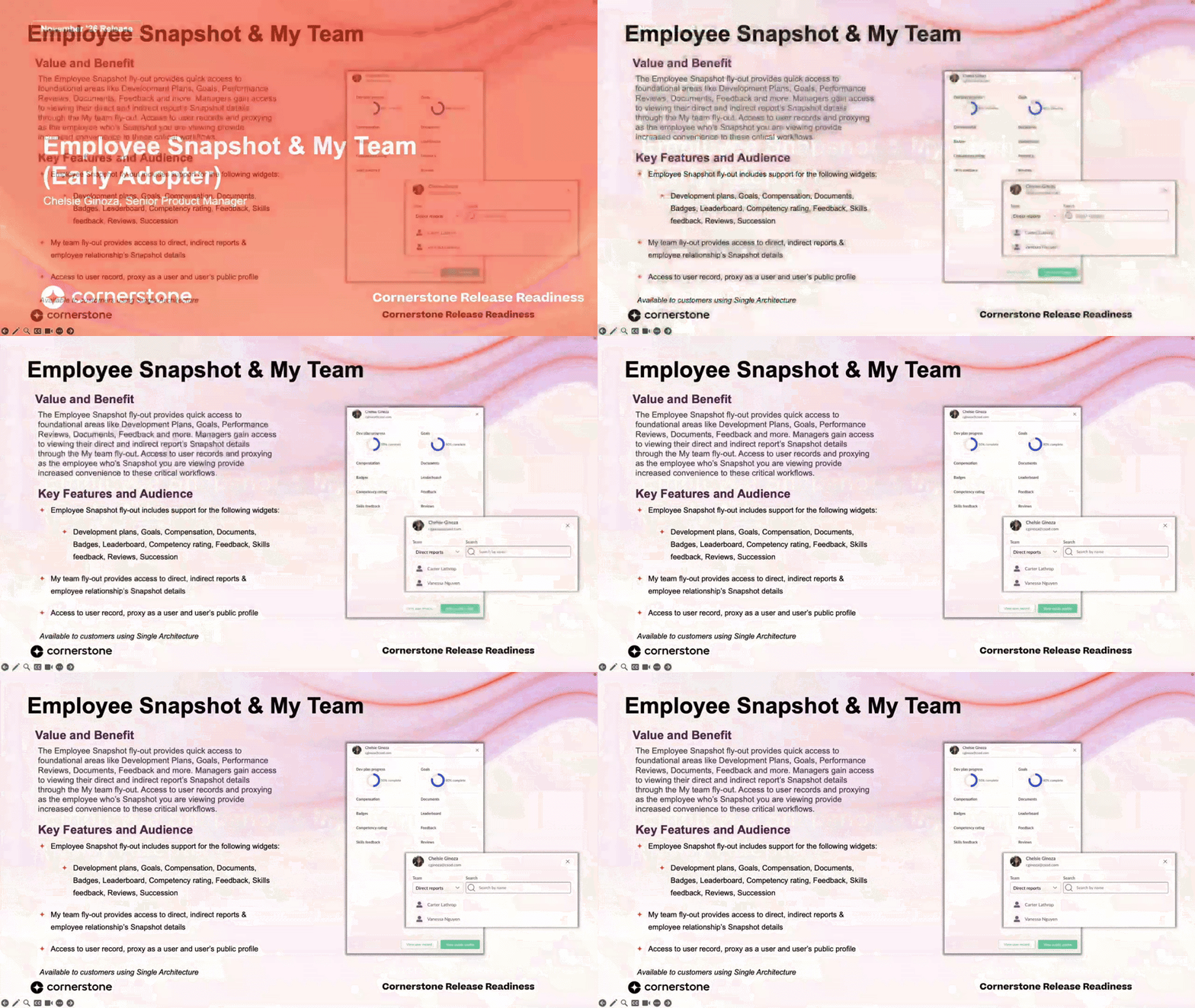
A new Snapshot flyout in single architecture gives employees one-click access to key areas such as development plans, goals, compensation, documents, feedback, and reviews. Managers can view snapshot details for direct reports, indirect reports, and custom employee relationships through a My Team flyout. Administrators and managers can also open a user record, proxy as a user, or view a public profile directly from a snapshot.
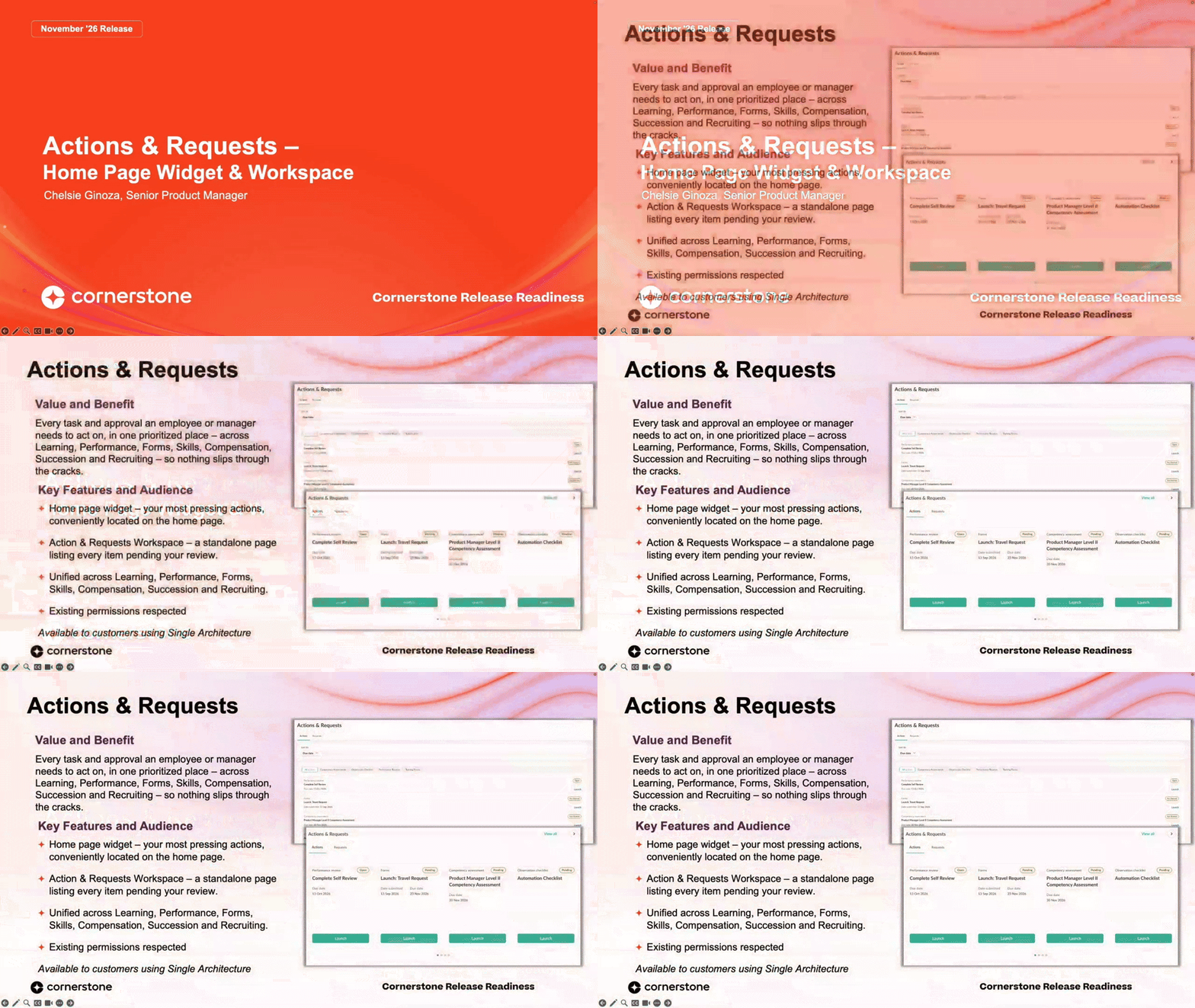
Employees and managers can now see every action and request awaiting their attention in one prioritized place, across learning, performance, forms, skills, compensation, succession, and recruiting. The enhanced homepage widget surfaces the most pressing items, and a new Actions and Requests workspace provides a full-page view with sorting, searching, and filtering. Visibility is governed by existing permissions.
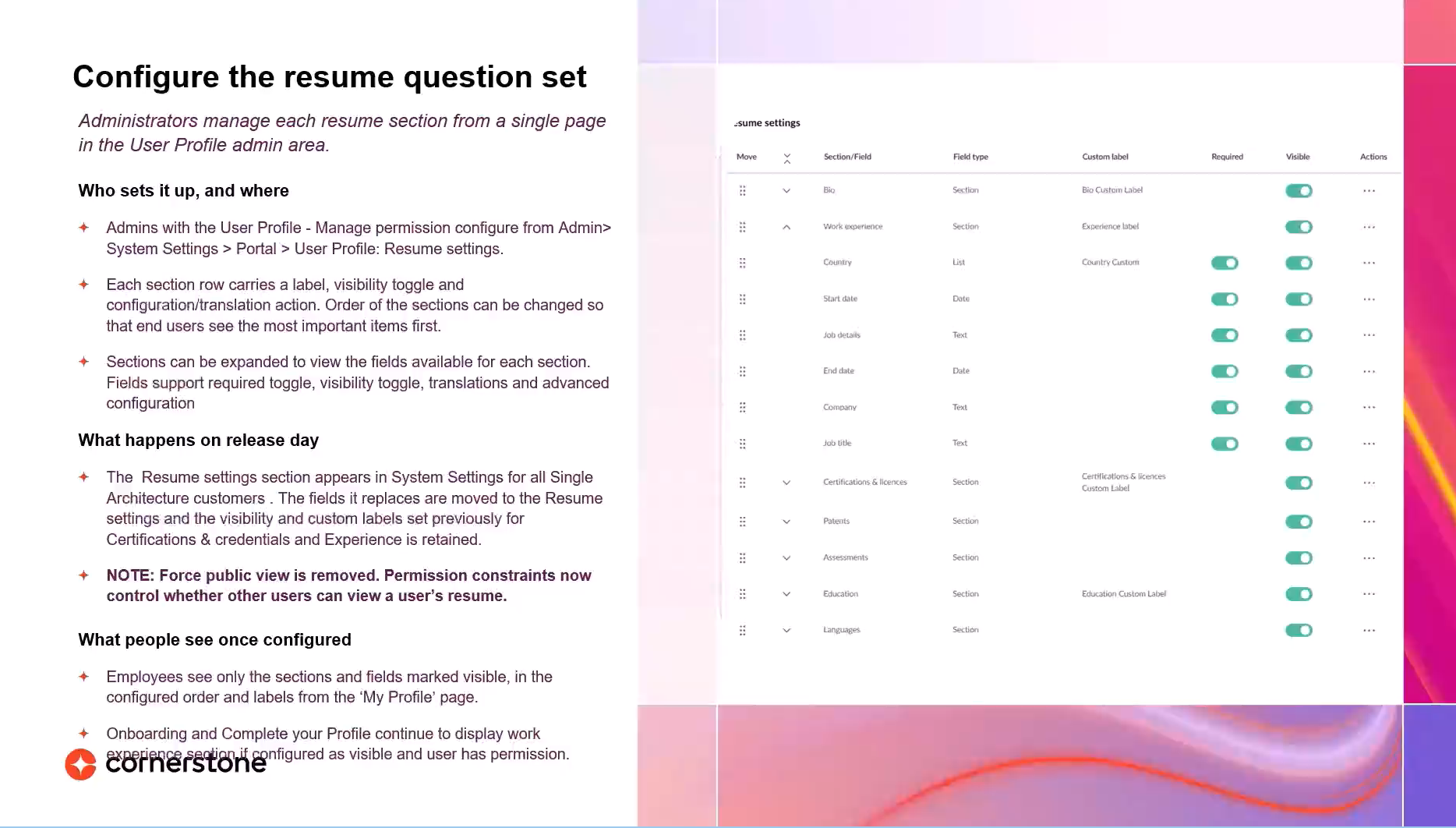
The single architecture user profile now includes a configurable resume, giving administrators control over which career sections and fields employees see and complete. Employees update their profile with inline editing, new Education and Languages sections, and a Download Profile PDF covering the full resume. Visibility of another person's resume is now controlled by a new, constrainable View Resume permission.
 Early Adopter
Unified User Record gains repeatable field groups in beta, a migration assistant that generates a proposed structure from the legacy user record, and constraint support for User Record Builder permissions. Configuration limits for tabs, sections, and custom roles have increased, and Unified User Search now shows email instead of grade in results. These enhancements reduce field sprawl, accelerate migration from legacy configurations, and enable more precise access control.
People Search in single architecture global search now includes skills, follower, and following filters. Users can also search for members and pending members within communities. These enhancements make it easier to find colleagues with relevant expertise, connections, and community membership.

People Matrix now includes competencies alongside skills, trainings, and training models, giving managers a broader team-level view of workforce capability. Managers can set competency targets, review ratings, attainment, and validation, assess competencies, and identify gaps. Configured matrices can also be shared with users and organizational units to reduce duplicate configuration.
 General Availability
Custom login pages in single architecture become more flexible, accessible, and easier to manage. Login pages now adapt automatically to right-to-left languages, support a Quick Links dropdown and a User Acceptance Prompt, and the Classic template layout can be flipped. Administrators also benefit from a resizable settings panel, localized error messages, automatic dashboard refresh, and faster image delivery through a CDN.
 General Availability
Unified Navigation in single architecture now lets administrators search for and add existing Cornerstone pages to the navigation, with user permissions applied automatically. End users can dismiss notifications they no longer need, and the predictive search interface has a refreshed design. These enhancements simplify navigation management and create a cleaner, more personalized experience.
 Early Adopter
The Admin Dashboard moves to general availability and gains new capabilities for single architecture customers. Administrators can customize which widgets appear on each dashboard tab, quickly refresh and download recently run and favorite reports, and monitor login activity with drill-down by OU. These enhancements help administrators focus on what matters to their role and track platform engagement.
 Early Adopter
Navigation Search lets administrators find and open Cornerstone pages directly from the global search bar, without browsing through menus or remembering complex click paths. Matching pages appear in predictive search results as administrators type, filtered by their permissions. The feature is available as an Early Adopter experience for single architecture customers in the November 2026 release.
Homepage configuration in single architecture is now easier and less error-prone for administrators. Administrators can duplicate existing homepage layouts, and the default homepage layout now shows its configured widgets in edit mode instead of appearing blank. The unsupported Custom Apps widget option has also been removed.
 General Availability
A new monitoring experience on the Admin Dashboard helps review administrators proactively track the health of active, in-progress standard review tasks. Admins receive prioritized alerts for deadline risk, past due reviews, unassigned steps, and steps due soon, and can drill into task-level insights. Key actions, including a built-in due date extension flow, can be launched directly from the monitoring views.
 General Availability
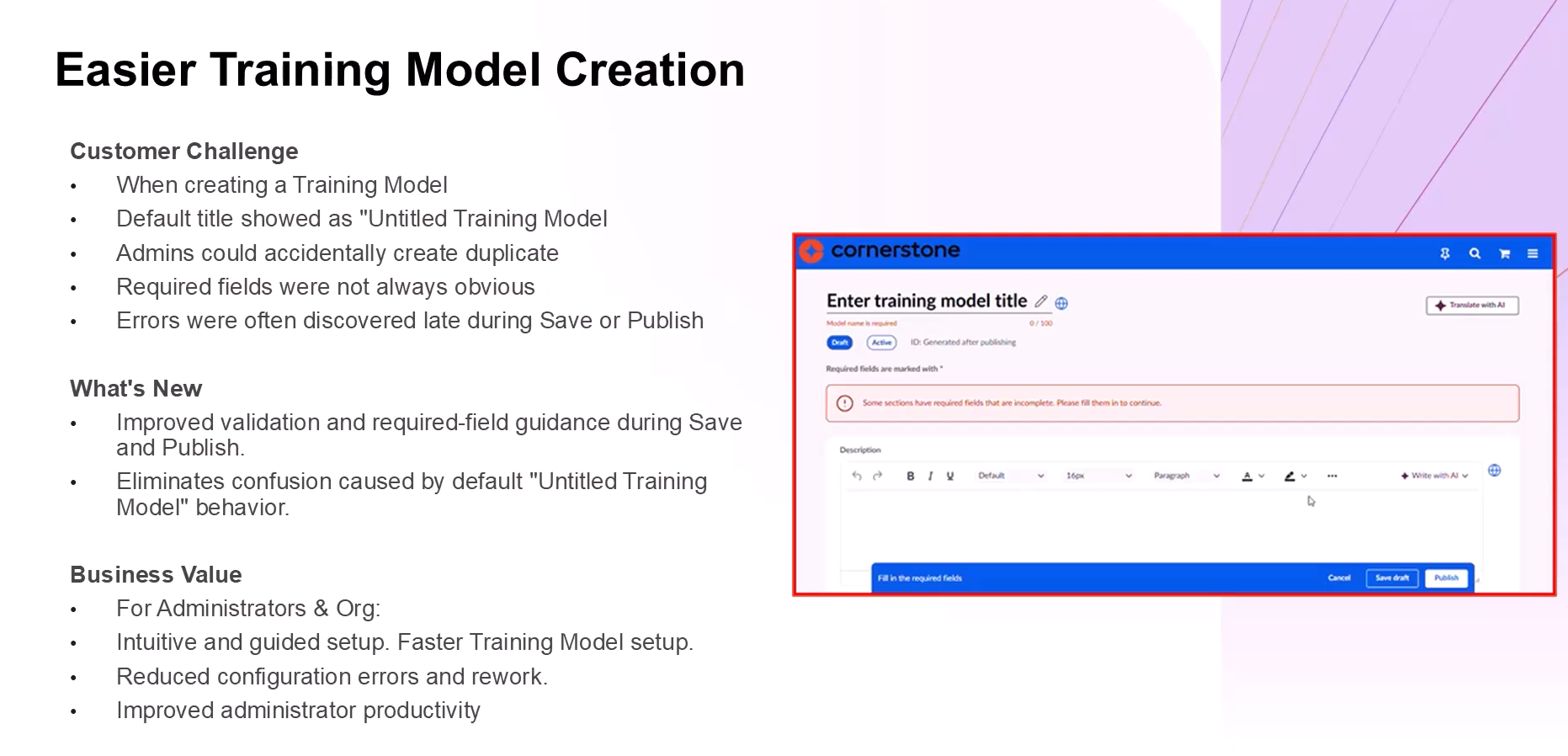
Training models receive a set of customer-driven enhancements that make compliance training easier to set up and manage. Administrators get clearer guidance when creating training models, and transcript history now shows when a training was assigned by a training model. The Compliance Training page adds consistent manager actions and session visibility, and extension dates now use the same time zone logic as due dates.
 Early Adopter
The Universal Learning Details (ULD) page now supports pricing, subscriptions, and purchase actions for priced learning objects. Learners can see monetary and training unit pricing, discounts, session pricing, and subscription options, and can add items to the cart or buy them directly. The enhancement is available to single architecture and extended enterprise customers.
 Early Adopter
Content Manager now supports permission constraints, aligning data visibility and actions with each administrator's assigned scope. The Content Manager View permission supports constraints migrated from Course Catalog View, while create and edit actions are governed by learning object type-specific permissions and their constraints. Constraints are now respected across pickers, provider lists, custom emails, on-the-job training observers, and related pages.
 Early Adopter
Administrators can now manage the full ILT and VILT event and session lifecycle directly from Content Manager. Users with the appropriate permissions can search, create, edit, and configure events and sessions, including virtual sessions through supported VILT provider integrations. Sessions support individual and recurring agenda items, with conflict validation and bulk editing options.
 Early Adopter
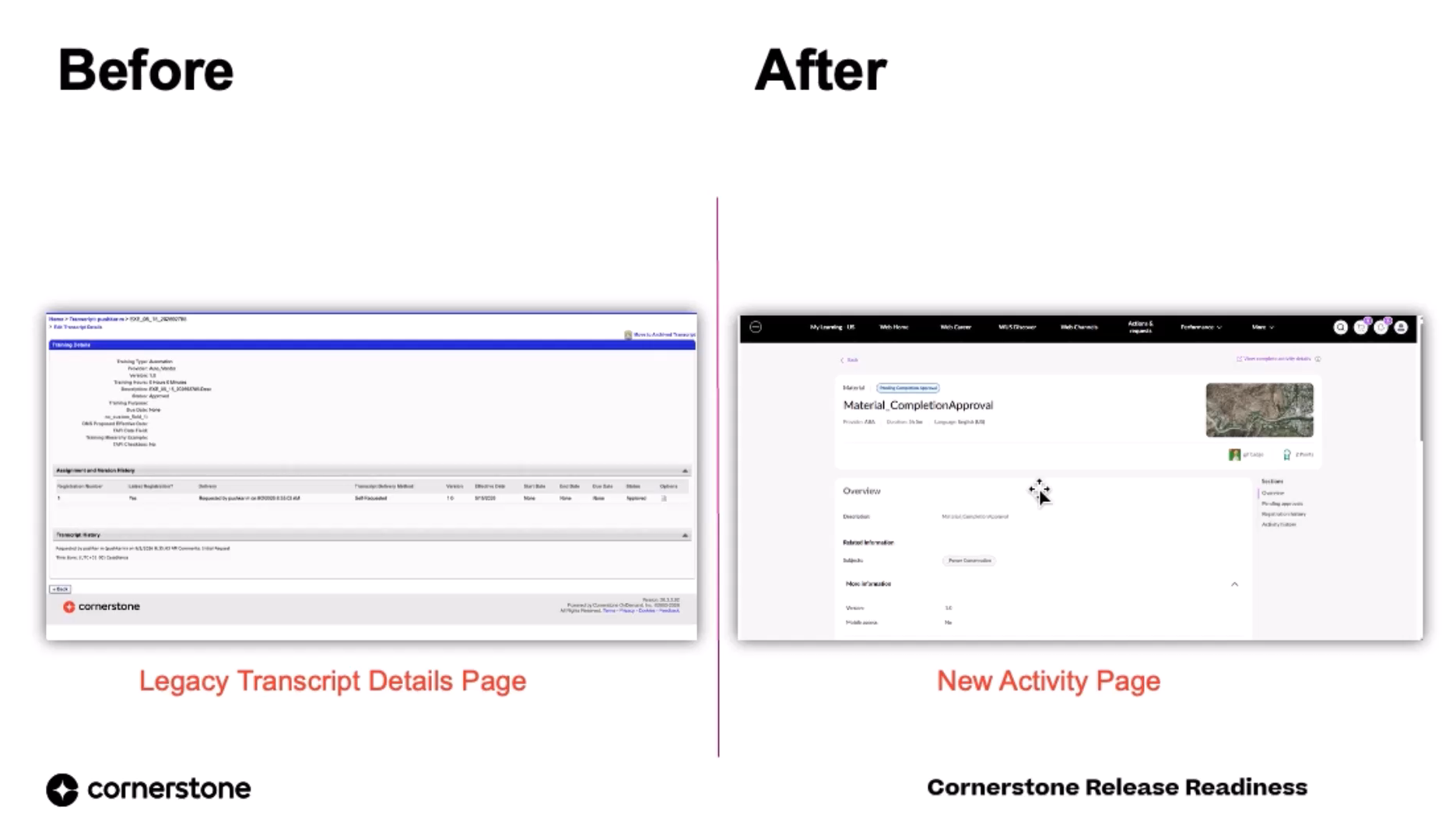
The new Activity page consolidates transcript details into a single, dynamic view across all learning object types in single architecture. Learners can see training details, pending approvals, registration history, and activity history in one place, with a link back to the legacy transcript details page. The feature is available as an Early Adopter experience in the November 2026 release.
Content creators can now set availability for user-generated content, including SmartCards, Pathways, and Journeys, in single architecture. Users with the new Manage UGC Availability permission can make content public or private and restrict private content to specific users, divisions, locations, and groups. Restricted content is hidden across the platform, while creators and collaborators always retain access.
Communities and cohorts in single architecture gain five enhancements focused on collaboration and privacy. Cohorts now have a private discussion forum and can be cloned with their structure, content, and members, while the community feed becomes collapsible with shareable single-post pages. Organizations can also align user visibility with permissions and send email notifications when users are mentioned.
 General Availability
Administrators can now manually upload LTI content for providers created through the self-service LTI Providers page using a CSV file. Previously, LTI content was available only from Cornerstone LTI partners through a customized connector. Uploaded content is added to the course catalog and can be edited, assigned, and launched like any other training.
 General Availability
Administrators can now create their own integrations with any LTI provider directly from a redesigned LTI Providers page. Previously, LTI content was available only through Cornerstone LTI partners and required an internal setup by request. Learners can launch LTI content and managers can assign it like any other training.
 General Availability
The direct Assign Training workflow is now a single-page experience where due dates, comments, and user selection are handled together. Managers can quickly assign training to direct and indirect reports using new quick-select tabs, and users with the appropriate permission can assign training to entire organizational units. All assignments remain governed by existing permissions and constraints.
 General Availability
The Content Manager landing page receives a set of usability and visual enhancements. Single architecture customers gain status filters and an Archived tag, while labels, tab styling, the create action, and breadcrumbs have been refined. These changes make it easier for administrators to find content, create trainings, and understand where they are in Content Manager.
 General Availability
Content Manager adds two capabilities for online courses: Modify Content and Download Course Package. Administrators can update an existing course file directly in Content Manager with progress tracking, resume, and modification history, and generate a downloadable SCORM or AICC package. These enhancements reduce page hopping and give administrators greater transparency and control over course files.
 General Availability
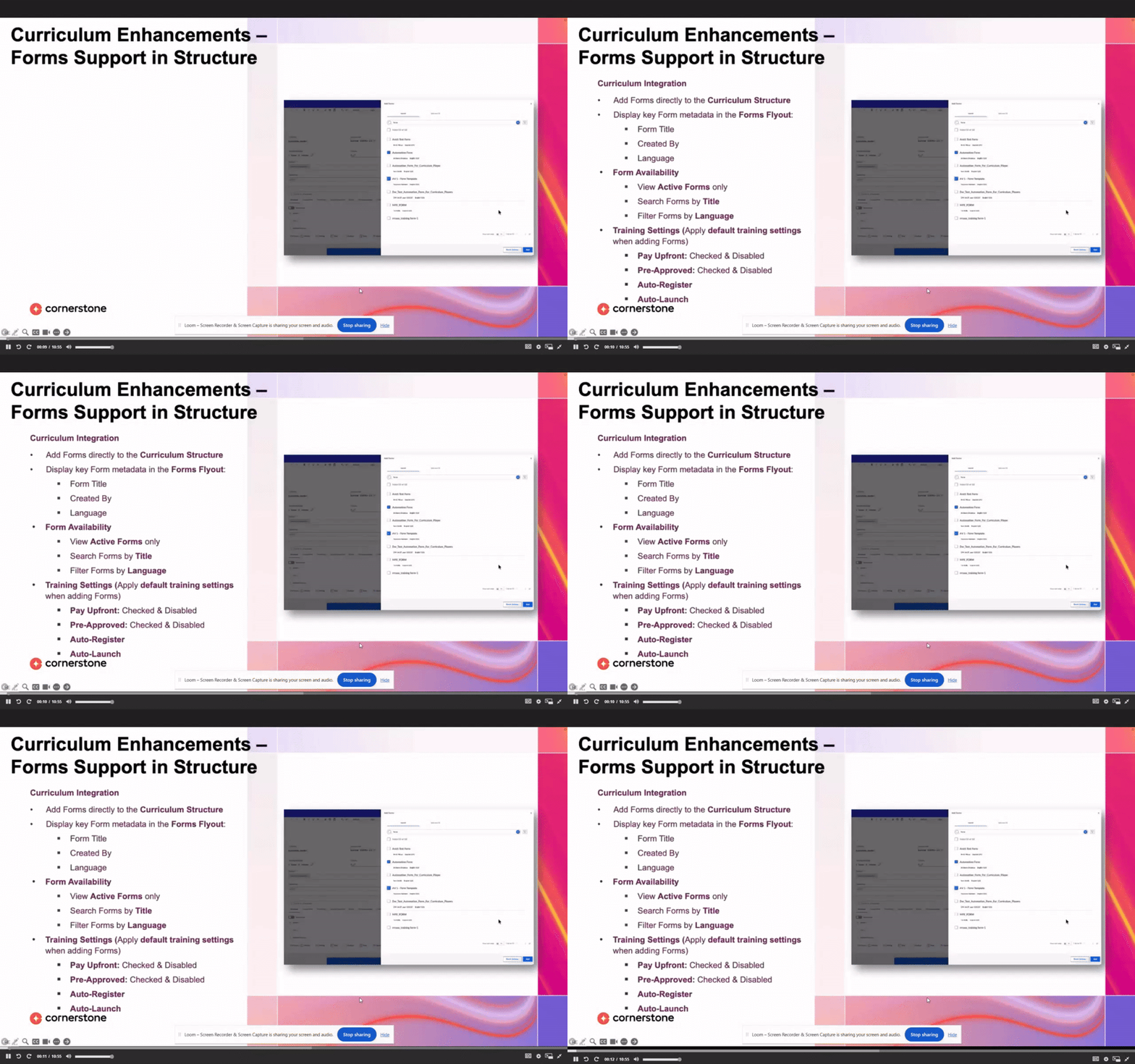
Curricula in Content Manager now support forms, checklists, and external training directly in the curriculum structure. Learning object and section removal honor system preferences with clear confirmation prompts, and new guardrails prevent conflicting concurrent edits and versioning. Administrators can also configure flat or incremental pricing at the curriculum level.
 Early Adopter
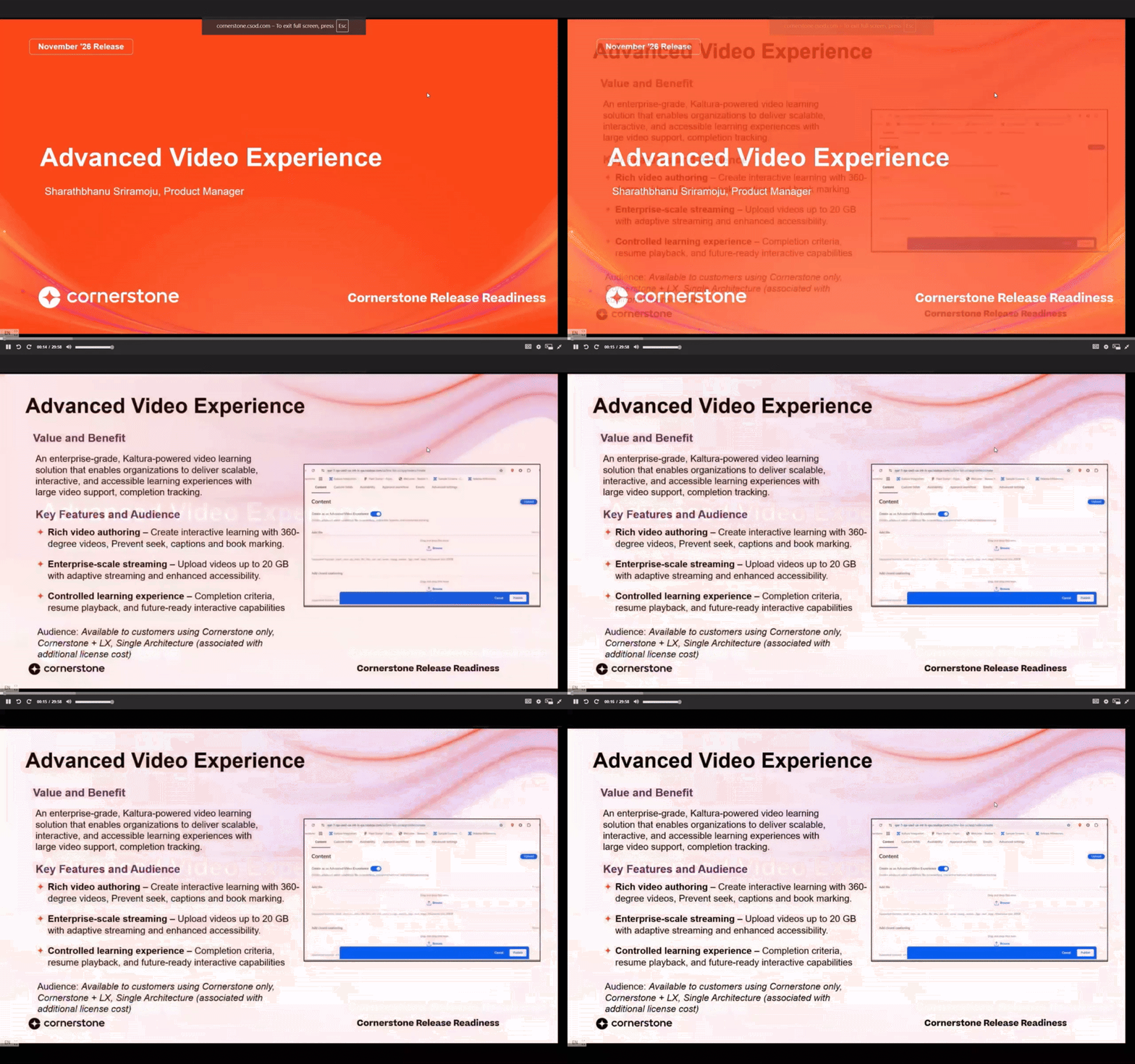
Advanced Video Experience extends the Cornerstone video learning object with enterprise-scale, interactive video capabilities. Administrators can upload videos up to 20 GB, enable 360-degree playback and seek prevention, and define custom completion criteria, while learners benefit from bookmarking and resume playback. The feature is a licensed add-on activated through a work order.
Content Manager receives a set of enhancements based on customer feedback and identified gaps. Actions such as creating, editing, and assigning learning objects now open in a single tab, and rich text, character counting, special characters, timestamps, and provider selection have been improved. Versioning now copies key attributes to the new version, and owners are supported for all learning object types.
 Open Beta
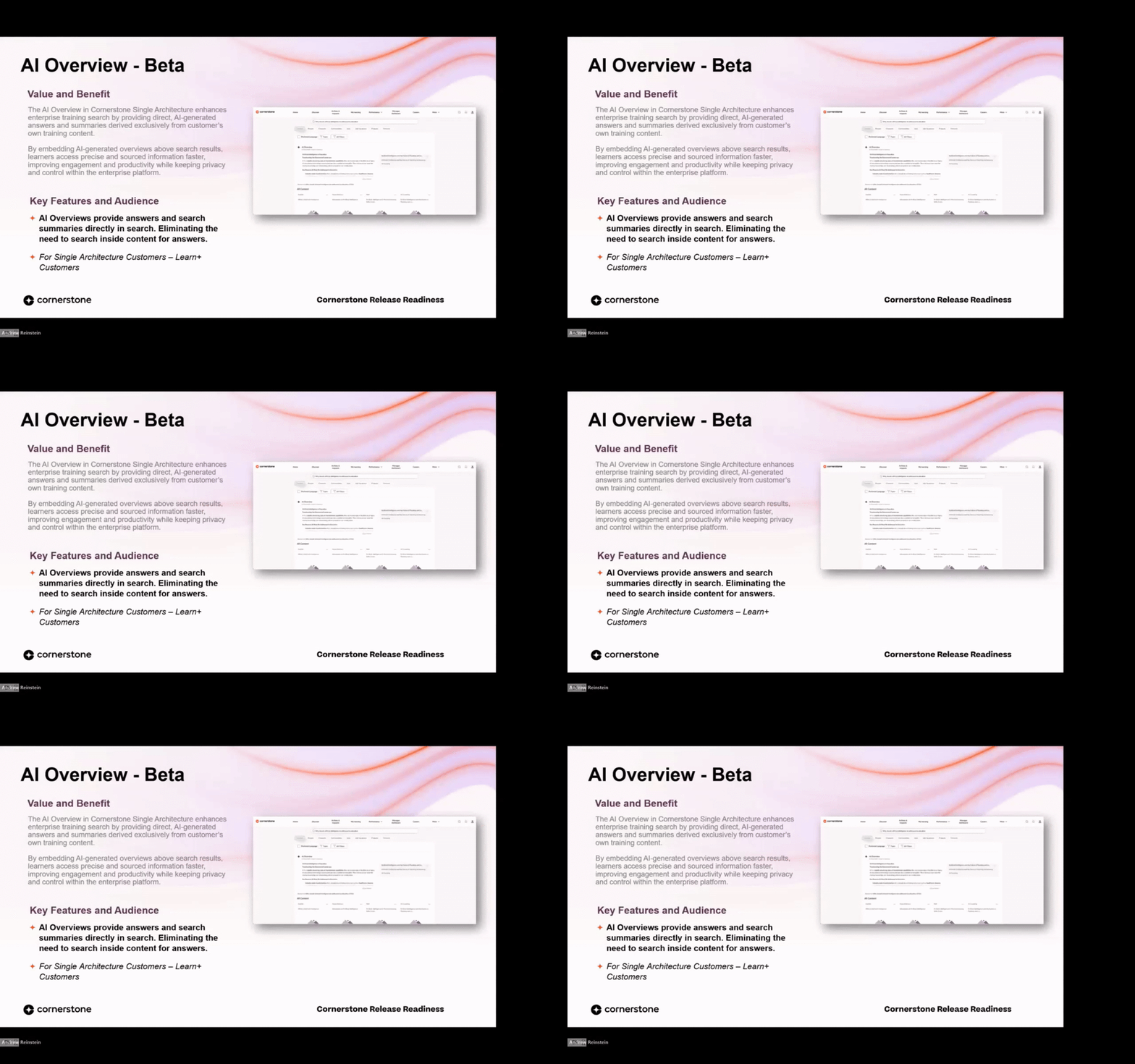
AI Overview adds AI-generated answers and summaries above search results in single architecture global search. Answers are generated exclusively from the organization's own ingested training content and include citations to the trainings used. The feature is a beta release available in Stage for single architecture customers with Learn+.
Talent Marketplace in single architecture now supports saved searches and opportunity alerting through the Cornerstone email digest framework. Employees can save search criteria for job vacancies, projects, and mentors, and administrators can add matching and AI-recommended opportunity sections to email digests. This helps relevant opportunities reach employees while they are still open, supporting internal mobility.
 Early Adopter
Organizational Unit (OU) support now spans all of Talent Marketplace in single architecture. Administrators choose which OU types appear across career preferences, jobs, vacancies, projects, and mentors, and employees can filter and discover opportunities using their company's own organizational structure. This drives more relevant matches and better-informed decisions.
 General Availability
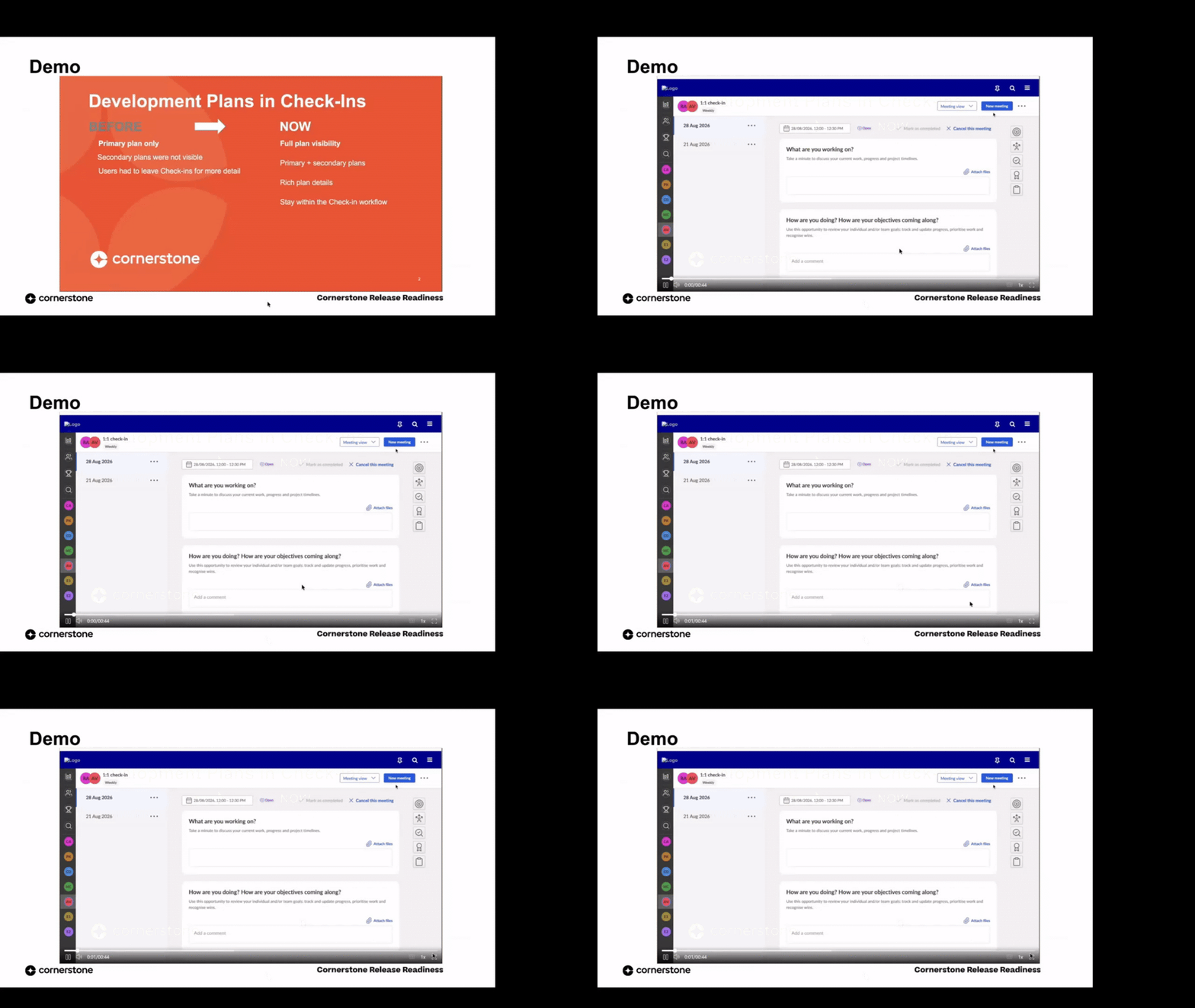
The Development Plan flyout in Check-Ins has been redesigned to show all of a user's active Development Plans, not just the primary plan. Managers can switch between their own plans and a direct report's plans, view full plan details, and open plans in the Development Plan module in a new tab without leaving the check-in. The redesigned flyout is on by default and replaces the legacy experience.
 Early Adopter
Task Assistant introduces a conversational AI experience that helps review administrators understand and analyze review task configurations. Admins can generate AI-powered task summaries, compare two task configurations, and ask natural language questions with contextual follow-ups. The feature is available as an Early Adopter experience in the November 2026 release.
Task Central-based reviews now include a sticky footer that keeps key review actions visible while users scroll. Save for Later, Previous, Next, and Submit remain within reach throughout the review, making it easier to save progress, navigate sections, and submit. The enhancement improves accessibility without changing review content, workflows, or behavior.
 Early Adopter
Goal Assistant now supports multiple languages, so users can create and manage goals with AI in their preferred language. Users can also view, continue, and delete previous conversations, and rate responses with like or dislike feedback. Elevate Plus administrators gain a dedicated Goal Assistant toggle on the AI Activation Preferences page.
 Early Adopter
Performance Assistant for Managers now supports 16 additional languages beyond English (US) and English (UK). Managers can ask questions and receive AI-generated guidance, follow-up prompts, and messages in their preferred supported language. Elevate Plus administrators also gain a dedicated switch to enable or disable Performance Review Assistant from the AI Activation Preferences page.

The redesigned Development Plans experience gains three enhancements driven by customer feedback. Users can export a branded, print-ready PDF of a Development Plan and copy an existing published plan into a new draft. Administrators can now enable or disable adding skills and the Plan Purpose field at the OU level.
 General Availability
The Development Plan section in Performance Reviews now supports managing existing primary and secondary Development Plans, not just creating new ones. Reviewers can view, select, edit, comment on, and approve Development Plans directly within the review. Administrators get more control over how Development Plan sections are configured across review workflows, participants, and section rights.
 Open Beta
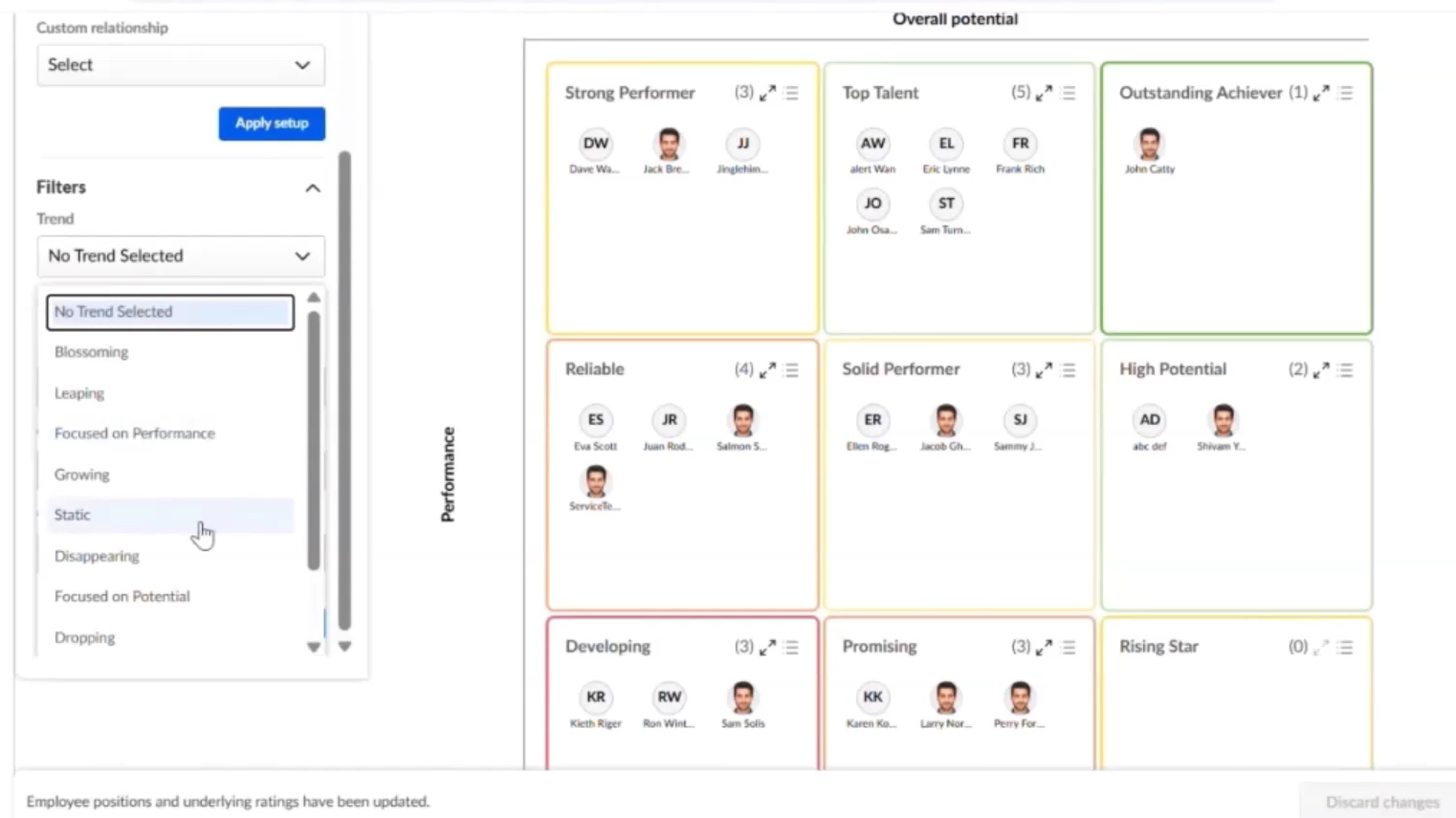
The Succession Redesign introduces the new Succession Workspace, a single hub for user-based and job- or position-based evergreen succession planning, together with a redesigned Snapshot Succession profile. The legacy Helicopter View is replaced by Talent Calibration, a modernized nine-box experience with saved settings, drag-and-drop bulk calibration, list view and full-screen mode. The release is in Open Beta and available in Stage environments only.
 General Availability
The November 2026 release closes key navigation and display gaps in Curriculum Player 2.0 and One Player. Learners get clearer guidance, direct access to training details, fullscreen Table of Contents navigation, and reliable exit behavior that returns them to where they launched from. Administrators gain new preferences to control whether the first child LO auto-loads and whether the Table of Contents is available in fullscreen.
 Early Adopter
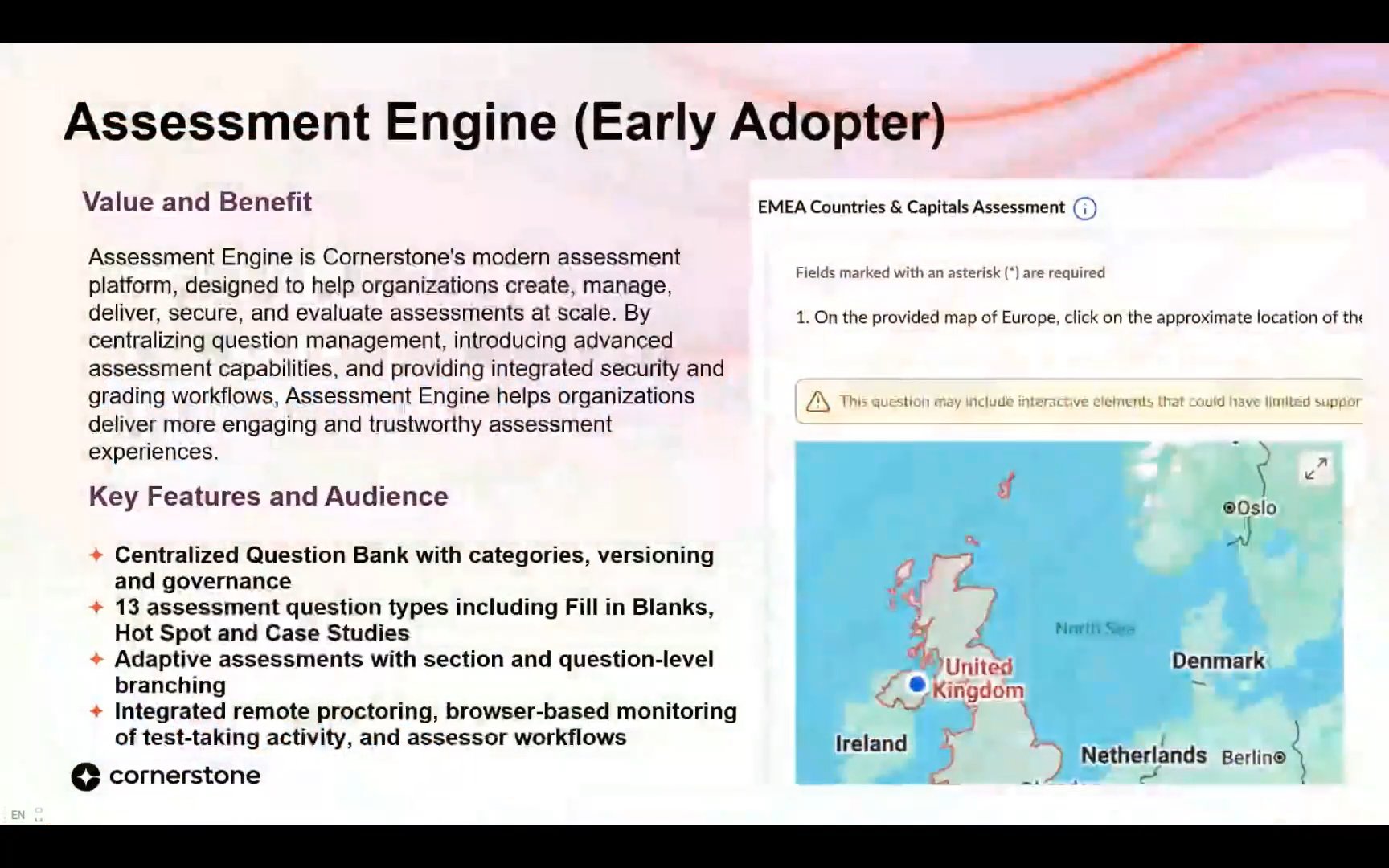
The new Assessment Engine provides a modernized foundation for Cornerstone's assessments, transforming the full lifecycle from content creation to secure delivery and evaluation. It introduces advanced capabilities like a reusable question bank, flexible design options, and enhanced governance, delivering a consistent and scalable experience for administrators and learners.
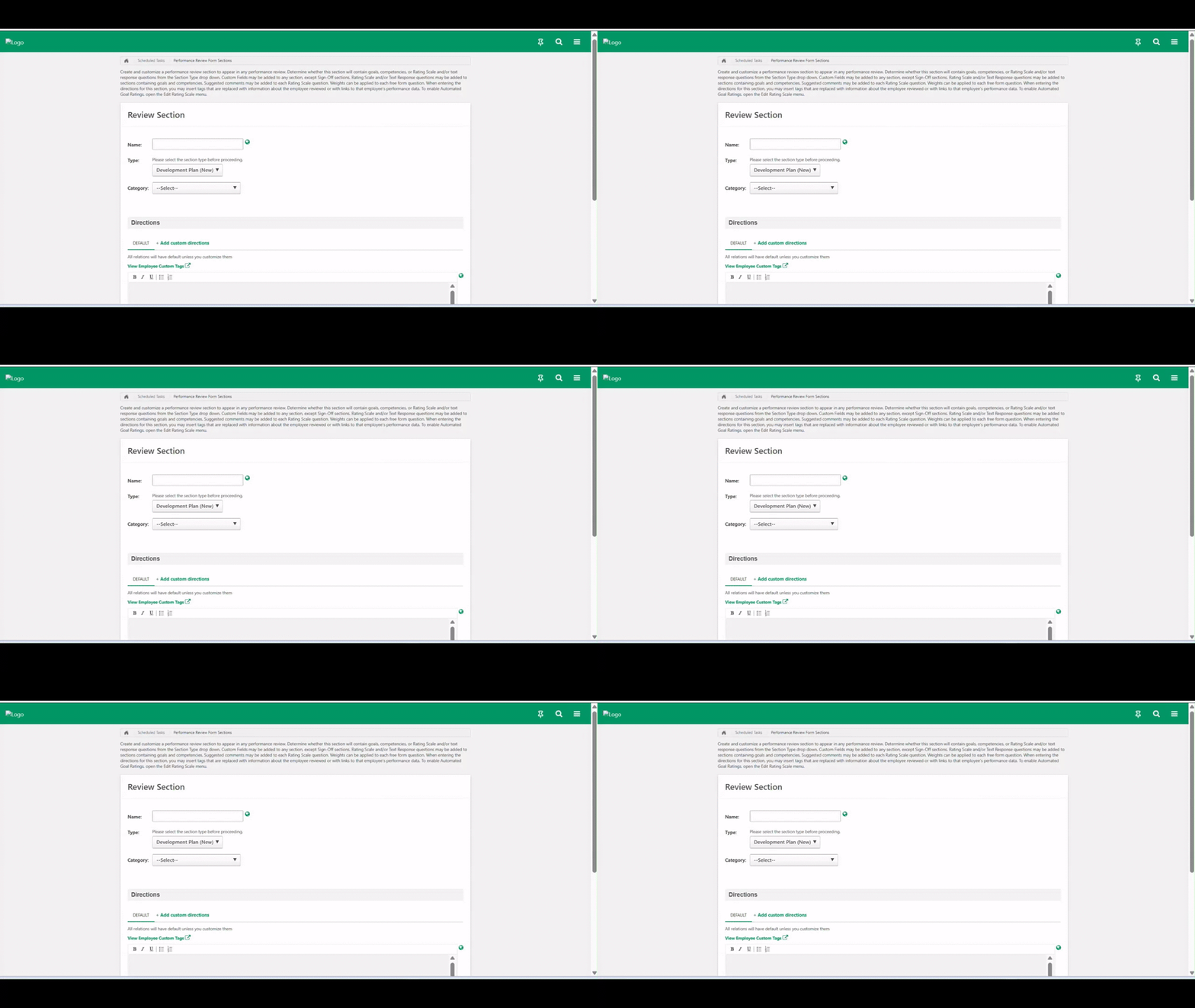
This release introduces a modern, unified development planning experience directly within the performance review workflow. Employees and managers can now create and edit development plans—adding objectives, skills, learning items, and tasks—without leaving the review task. The redesigned section aligns visually and functionally with the standalone Development Plan module and syncs in real time once reviews complete.